In this article
- First, separate being found from being chosen
- Minutes 1–5: search as a new customer
- Minutes 6–10: inspect the profile against the business
- Minutes 11–15: follow one enquiry from start to finish
- Minutes 16–20: turn reviews and questions into a repair list
- Choose your first fix with this priority table
- What should happen after the audit?
Your shop is open. Your phone works. Your team is ready. Yet someone searching nearby can still end up somewhere else.
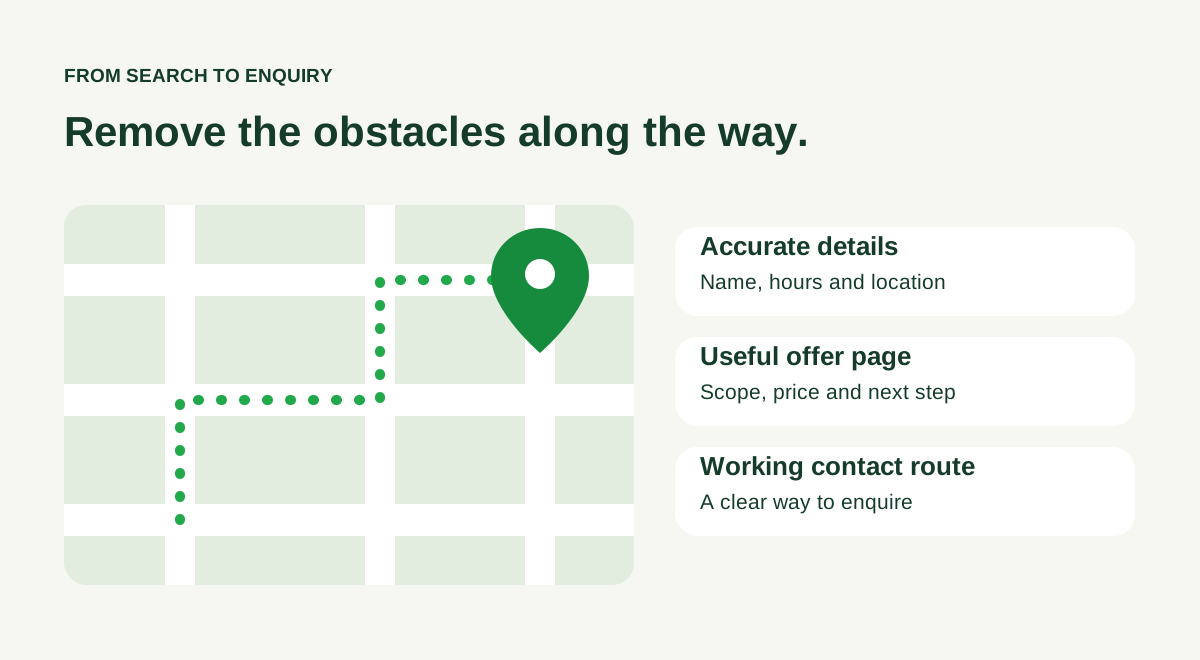
Sometimes the problem is visibility. Sometimes they find you, then leave because the information is confusing. A missing unit number, an old offer or a booking link that fails on a phone can undo the interest you already earned.
Use the next twenty minutes to check the route from search to enquiry. This is an initial audit, not a promise to fix rankings in twenty minutes. Keep the free visibility checklist open as you go.
First, separate being found from being chosen
Google explains that local results depend mainly on relevance, distance and how well known a business is. It does not sell a better local position. Its local ranking guidance is a useful reference when deciding which work you can influence.
You can improve the information customers encounter and the experience after the click. You cannot move your premises closer to every searcher by rewriting a page.
| What you observe | What to investigate first |
|---|---|
| Your own business name brings up incorrect details | Business identity, profile ownership and conflicting information |
| People find the profile but ask basic questions repeatedly | Hours, services, location and missing buying information |
| People reach the website but rarely enquire | The offer, mobile experience and contact route |
| Enquiries arrive but few become bookings | Response time, qualification, availability and pricing clarity |
These are diagnostic starting points, not evidence that one factor caused a result. Choose the row that describes a real problem in your business rather than changing everything at once.
Minutes 1–5: search as a new customer
Use a phone and search your business name. Open the profile and website that appear. Write down the details you can actually see: name, address or service area, telephone number, hours and main website link.
Do they agree? Follow the directions link. If you operate inside a commercial building, could a first-time visitor find the entrance, floor and unit? If you work at customers’ premises, is your service area clear?
Then try one relevant service search for your location. Record the wording, date and place you searched from. Search results can vary, so a single screenshot should start an investigation rather than become a business-wide ranking report.
Fix first: incorrect facts. A wrong closing time deserves attention before a more attractive cover photograph.
Minutes 6–10: inspect the profile against the business
Open the Business Profile you are authorised to manage. Check the category against the service customers come to you for. Review the phone, website and hours, including changes for holidays, renovations or temporary closures.
Look at the photographs as evidence. Show the entrance people should recognise, current products and the actual environment. Replace images that make an old layout or discontinued item look current.
Consider a fictional salon in Shah Alam with empty Tuesday appointments. Its profile may be accurate, but the website link leads to a generic homepage with no service details or booking instructions. The next useful task is to clarify that route. Another batch of decorative posts would leave the same gap.
Keep a named person responsible for updates. “Everyone can change it” often becomes “nobody noticed it was wrong”.
Minutes 11–15: follow one enquiry from start to finish
Choose the service or product you most want to sell. Open its website page on your phone without relying on what you already know about the business.
Can you answer these questions?
- Is this the service or product I need?
- Can I visit, book or receive it in my area?
- What does it cost, or how will the quotation be decided?
- What is included, and what is excluded?
- What should I do next?
Now follow the main action. Tap the call button, open the messaging destination or inspect the enquiry form. Confirm that the contact details and destination are correct. Test a form only when you can identify and handle the resulting test enquiry.
If your business uses WhatsApp, a useful instruction might be: “Send your postcode, service needed and preferred date.” Explain whether that message requests availability or confirms a booking. Those are different commitments.
A business serving English and Bahasa Malaysia readers should also check whether important details agree across the versions it maintains. An old price on one page is still an old price.
Minutes 16–20: turn reviews and questions into a repair list
Read recent reviews and the questions your team answers repeatedly. Look for practical themes: parking, waiting time, finding the entrance, delivery boundaries or what a package includes.
Choose one issue to repair on the website. If several customers could not find the entrance, add a clear direction. If they misunderstand the quotation, explain what information is needed. The repeated question is a useful editorial brief.
Ask for genuine reviews with a neutral request after a real customer experience. Google permits sharing a review link or QR code, and prohibits incentives for posting, changing or removing reviews. See its review guidance.
For replies, answer the substance briefly. A complaint about a booking does not need a public account of the customer’s private details. Provide a route for resolving it with someone who can help.
Choose your first fix with this priority table
| Priority | Examples | What to record |
|---|---|---|
| Correct now | Wrong phone, address, hours or broken main enquiry link | What was wrong, who corrected it and the date |
| Improve next | Unclear service details, exclusions or quotation process | The customer question the edit should answer |
| Review regularly | Photos, review themes, seasonal hours and performance | Who checks it and when |
This priority order is Upside’s practical framework, not a Google scoring system. The downloadable checklist has twenty checks with space for an owner, due date and evidence. Its status column is a work list; it does not calculate ranking probability.
Use the first audit to establish a baseline. Afterwards, record the date of each meaningful change and review enquiries alongside available search and profile signals. A call click is not a confirmed sale, and a directions request is not proof of a visit.
What should happen after the audit?
One person should leave with one task they can complete. “Improve SEO” is too broad. “Correct the address and replace the broken enquiry link by Friday” is actionable.
If the audit points to a missing service explanation, write that page for the customer who needs it. Avoid duplicating the same text across a list of nearby suburbs. Google’s helpful content guidance focuses on usefulness and original value; apply that to the questions your business can answer well.
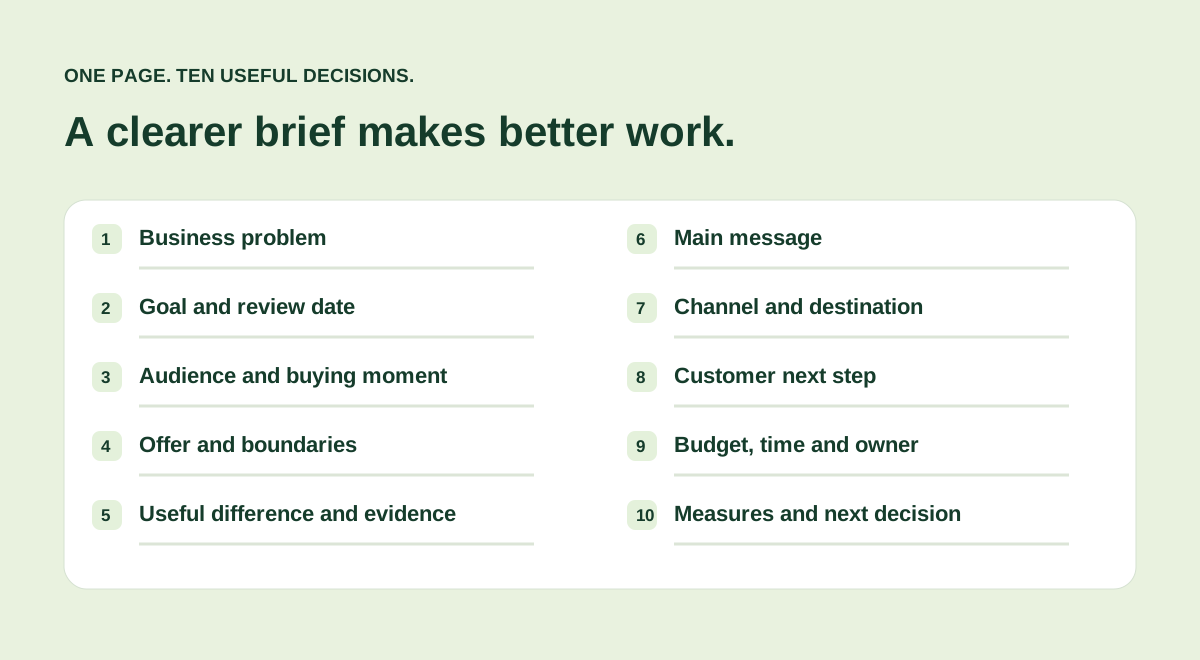
For a wider plan, read SEO vs GEO: what to fix first. If you need to turn a visibility problem into a campaign, start with the one-page marketing brief.
Upside’s Search & Visibility brings website checks, available performance information, local presence and reviews into one place. Explore the sample, then choose the issue your next customer is most likely to encounter.
Prepared by Upside. Sources are linked alongside the claims they support.
 Tools & decisions · 6 min read
 Marketing planning · 6 min read
 AI & business · 6 min read